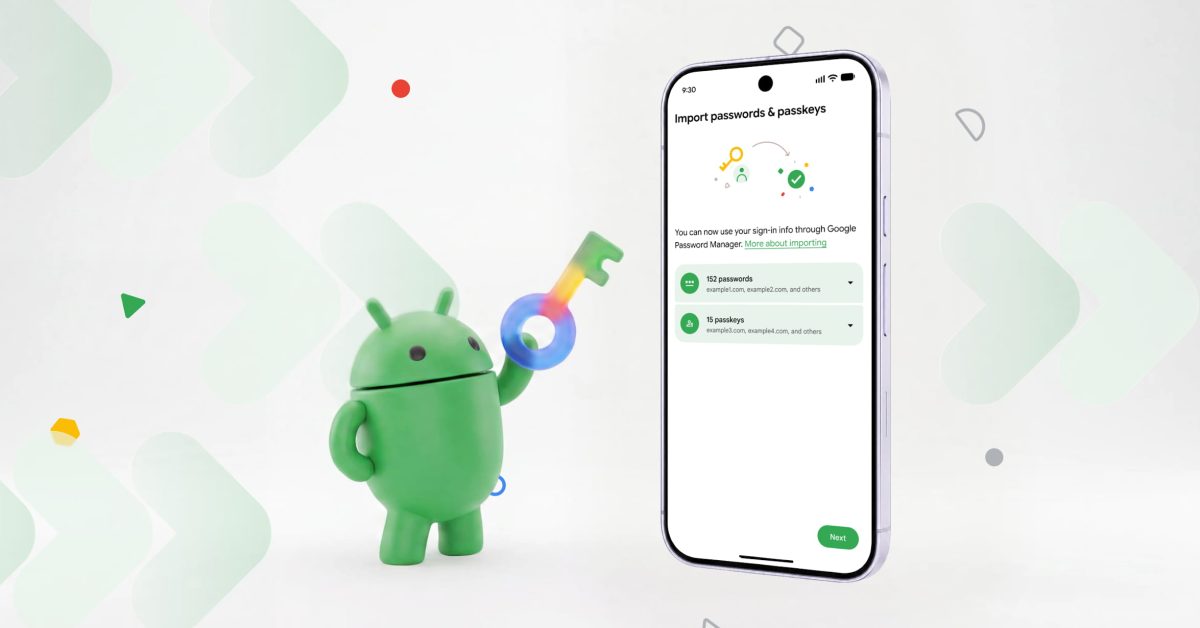
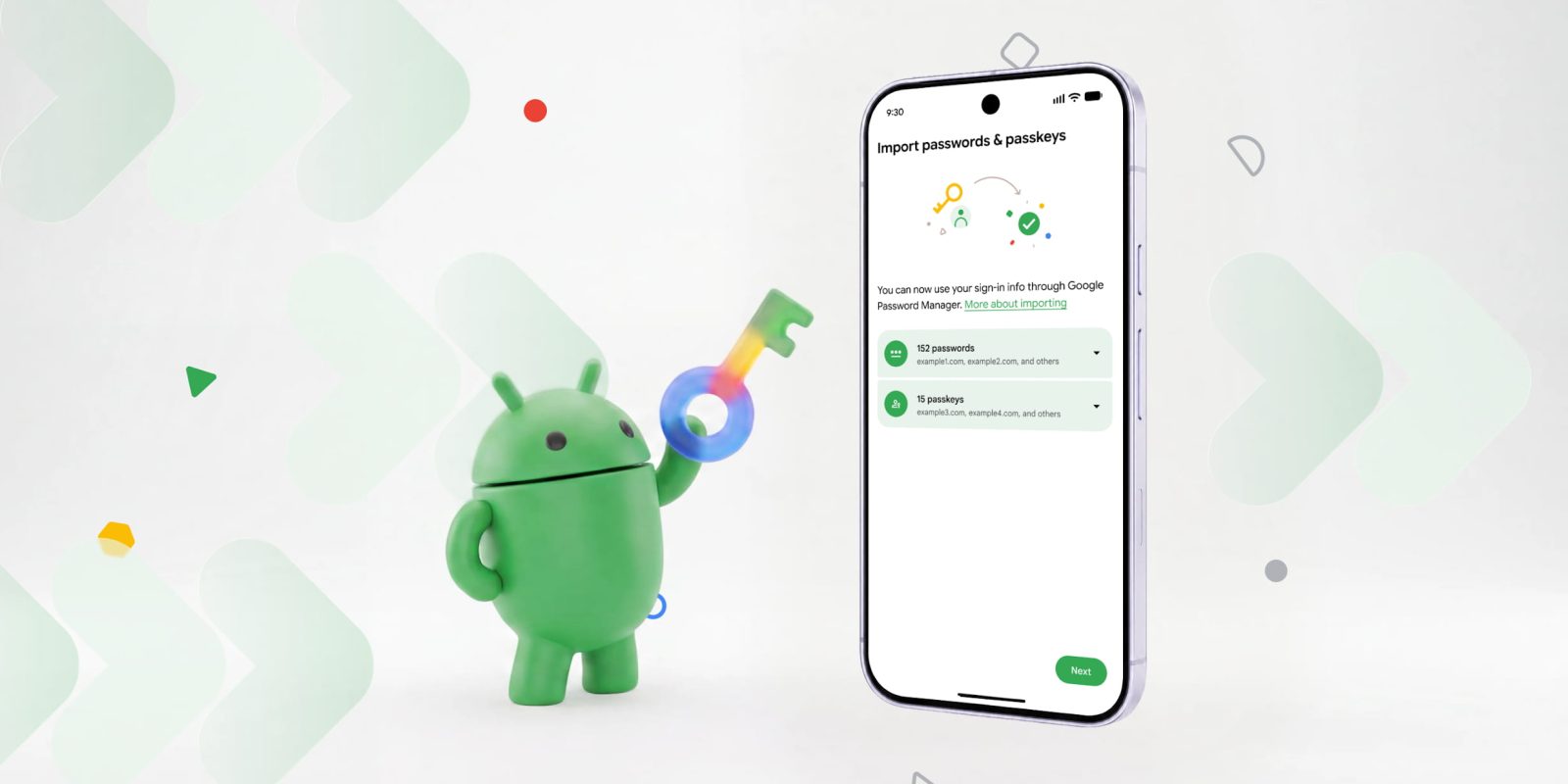
Google that Android now offers a system-level way to transfer passwords and passkeys between credential managers.
In the past, transferring credentials between password managers involved “downloading them into an unencrypted text file, which left them unprotected on your device.” Meanwhile, passkeys did not originally offer a transfer method, thus requiring you to manually “recreate them across multiple sites and apps.”
Android wants to solve these issues by offering an operating system-backed transfer method:
- Start the move: Open your new password manager app and choose the option to import or copy your passwords and passkeys from another provider. The password manager will then hand the task over to Android.
- Let Android securely coordinate the data transfer: Android will automatically detect existing password managers on your device and show you which you can import from.
- Review and authorize: Once you tap “Continue,” Android will bring you to your existing password manager to select, review, and authorize the transfer. Then your data will be quickly and securely transferred between the apps in just a few seconds.

The screenshots above show the import flow for Google Password Manager.
At launch, the transfer experience is supported by Google Password Manager, 1Password, Bitwarden Password Manager, and Dashlane. Other partners can participate by supporting the Credential Manager’s .


FTC: We use income earning auto affiliate links.