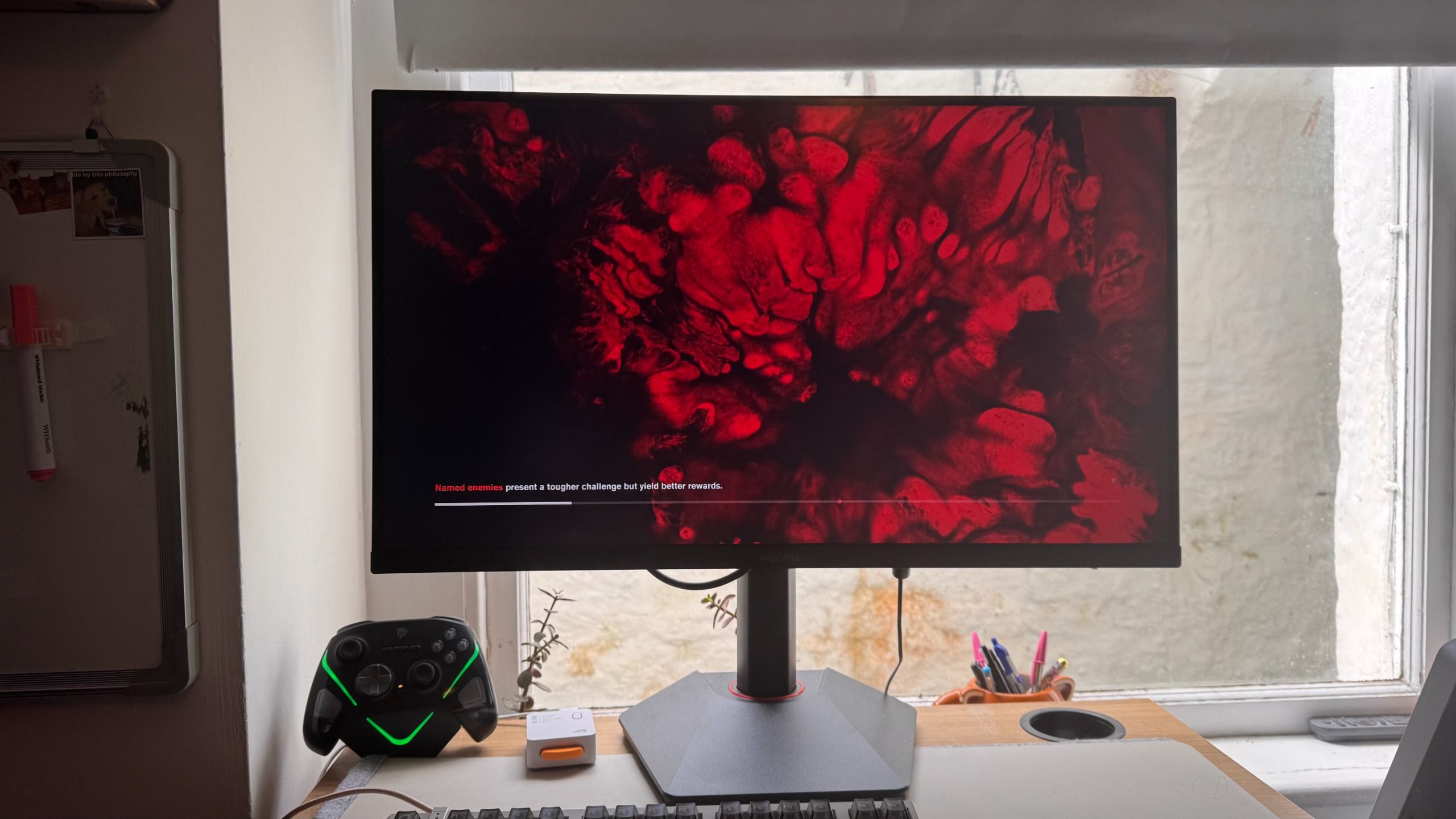
A reasonably priced 4K offering that is well worth considering on a budget. But OLED is an elephant in the room at practically the same price, and dual-mode still isn't perfect yet.
For
- 4K and 1080p
- Sweet IPS panel
- Competitive pricing
Against
- Dual-mode still not perfect
- That's now OLED pricing
The option to flit from 1080p at double the refresh rate for competitive or highly intensive games, and then back to 4K for lush sights or just a clean desktop in only a few seconds, and with native resolutions, makes so much sense to me. Koorui manages to offer both dual-mode and aggressive 4K pricing at the same time.
It's been more than a year since our review, but the Asus ROG Strix XG27UCG, which sits as our pick for the best budget 4K gaming monitor, is $100 more and offers almost identical specs. That's a few ticks in my book already.
But stats don't tell you absolutely everything; I've had this Koorui gaming monitor planted on my desk for a few weeks, and I was pleasantly surprised by it.
Buy if…
Don't buy if…
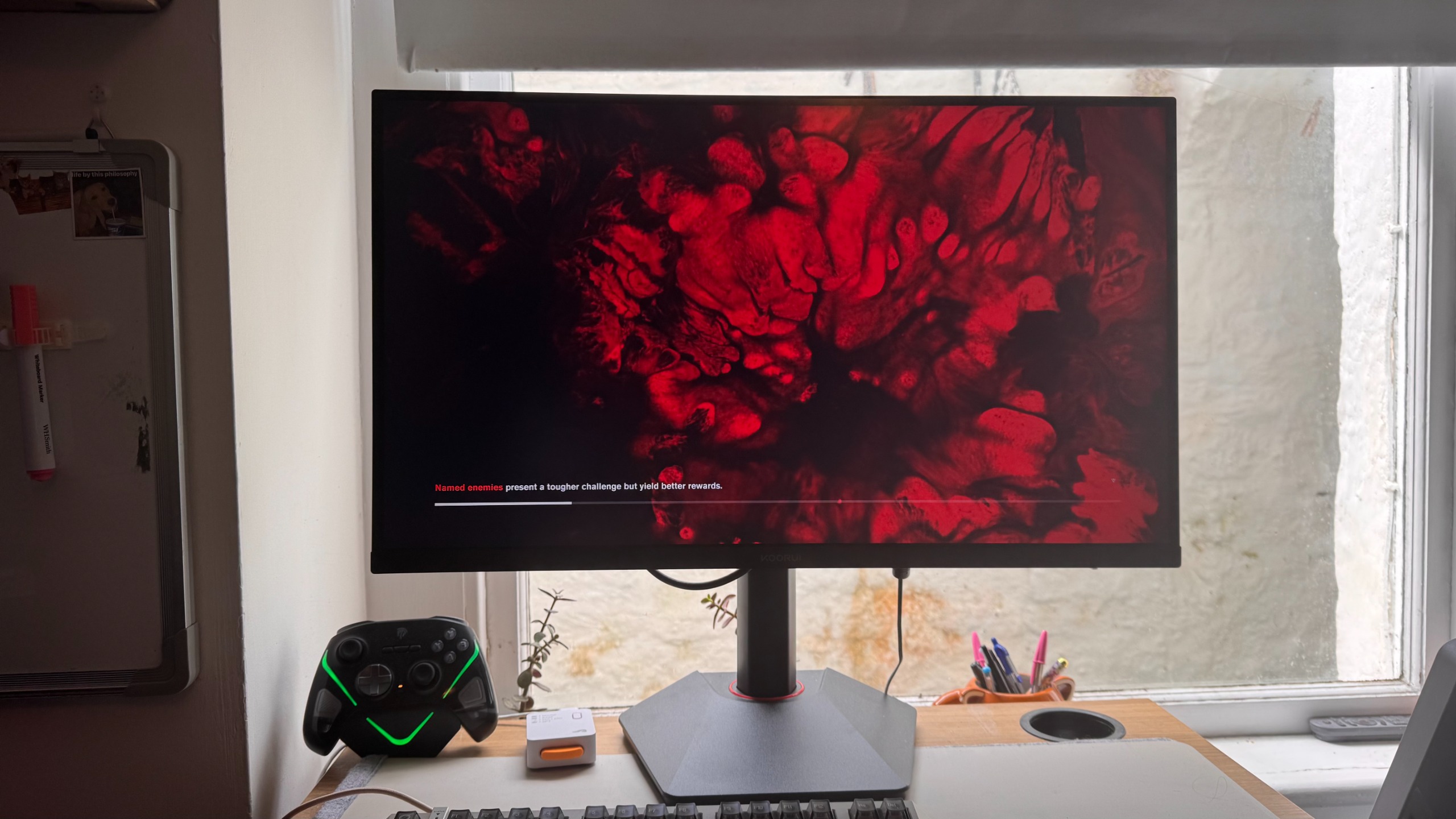
A reasonably priced 4K offering that is well worth considering on a budget. But OLED is an elephant in the room at practically the same price, and dual-mode still isn't perfect yet.
Features
The only place I might have expected even more compromises is in the size, perhaps going down to 24 inches, but then that's small enough that 4K likely isn't worth the price bump and performance hit—4K monitors smaller than 27 inches are quite rare for that reason. 27 inches is a sweet spot for dual-mode monitors, being big enough to get value out of the super high resolution, and small enough that 1080p doesn't feel like a massive hit.
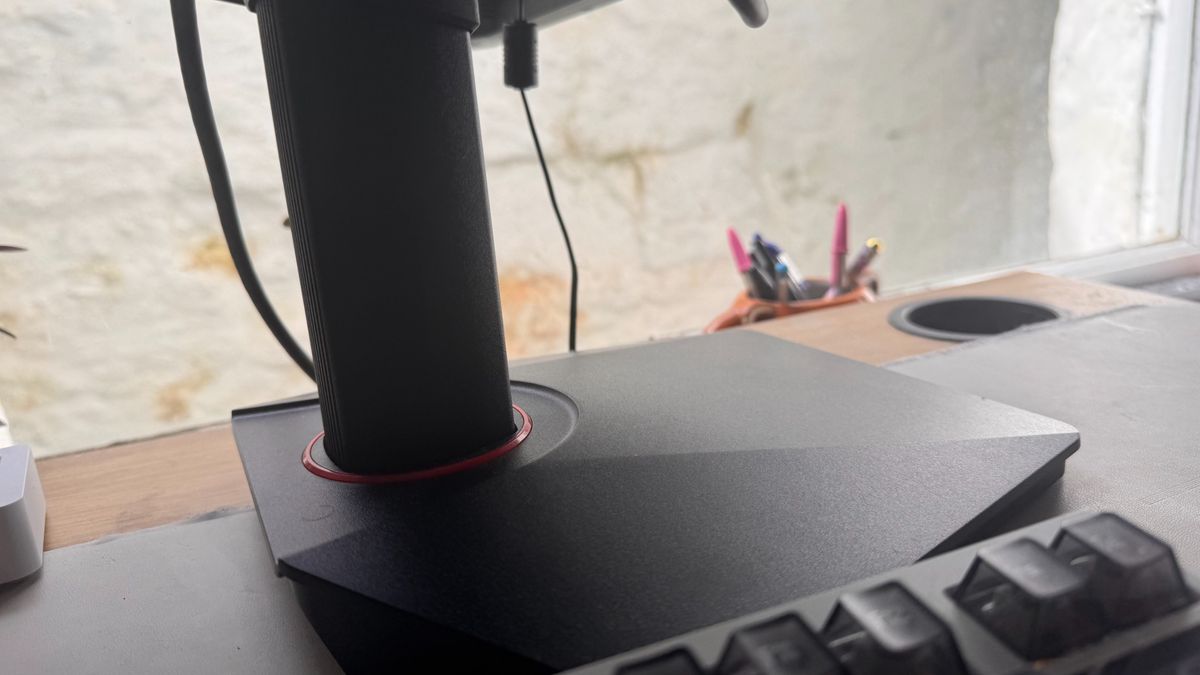
The monitor itself can pivot 90 degrees to the left and right, making it a solid pick for both vertical and horizontal use. It can also tilt up to 25 degrees, and the stand holds it in place firmly.
Dual-mode is the standout feature here. You can swap from 4K to 1080p in just a few seconds with the button on the back. As it only has one button, you do have to scroll through menus, and I'd personally love a single button for activating dual-mode quickly, but it doesn't take too long to activate once you know where the button is.
Performance
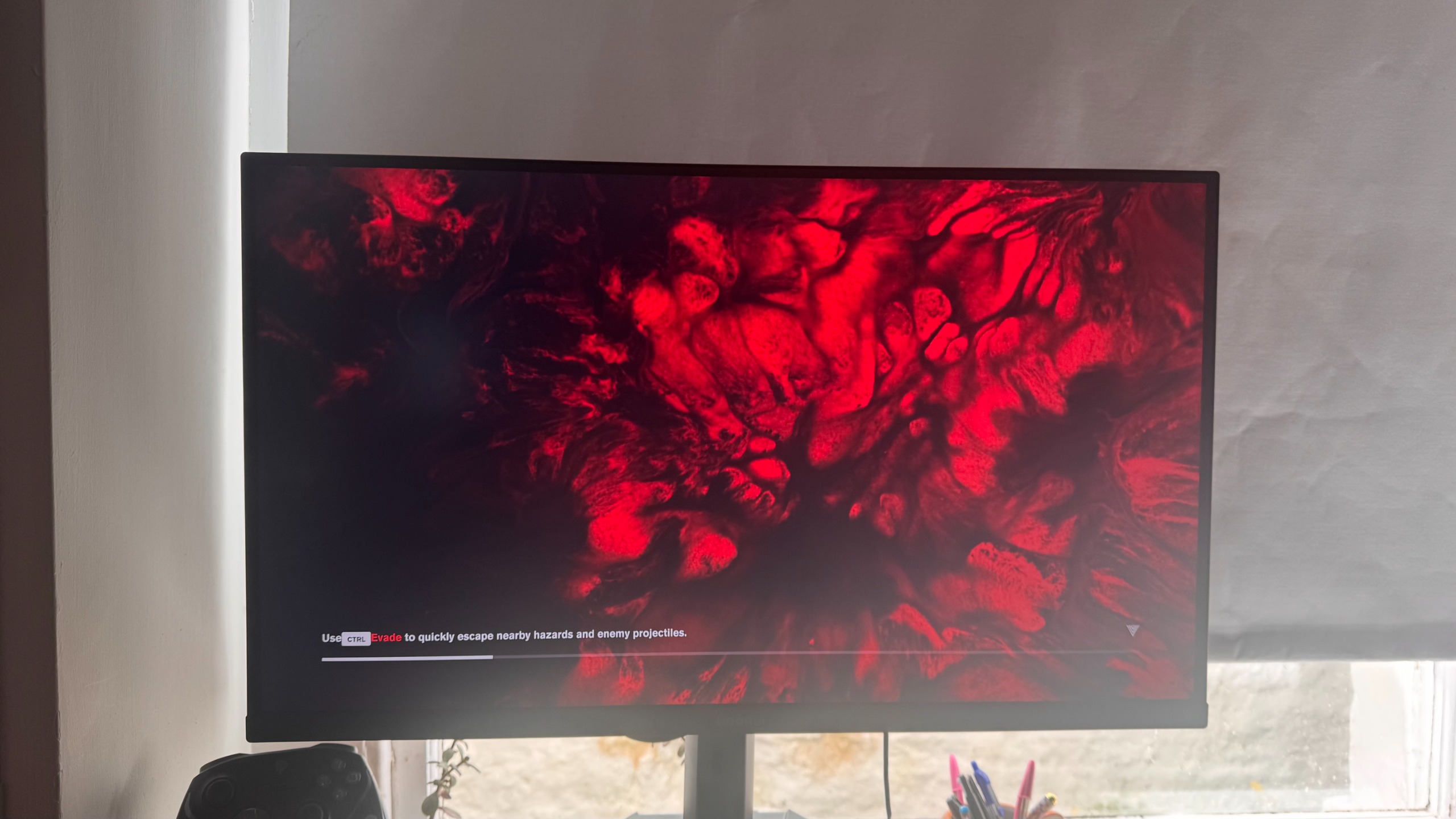
Though there are the typical 'not quite black' blacks of an IPS here, the contrast is strong, and made stronger thanks to the monitor's software. Mine needed very little tweaking out of the box, though I did up the contrast and brightness just a touch. I'll get into it more in the software section, but I'd advise not tweaking it too much, as it's pretty finely tuned already.
Generally speaking, using the desktop day-to-day is best in 4K, as it's not super intensive, but the smoothness of text and even just casual video really pop here. Then, picking between 4K and 1080p for gaming is largely reliant on whether or not your rig can actually handle it. In my RTX 4070 Super machine, I'd almost always opt for the higher resolution, occasionally with a helping hand from upscaling or frame gen. However, my RTX 2070 rig benefitted from being able to swap at a moment's notice. It is worth noting that 1440p is still a very solid resolution, especially at this panel size, as it still offers a solid pixel density. Therefore, there's a good reason to consider a monitor with a native 1440p output.
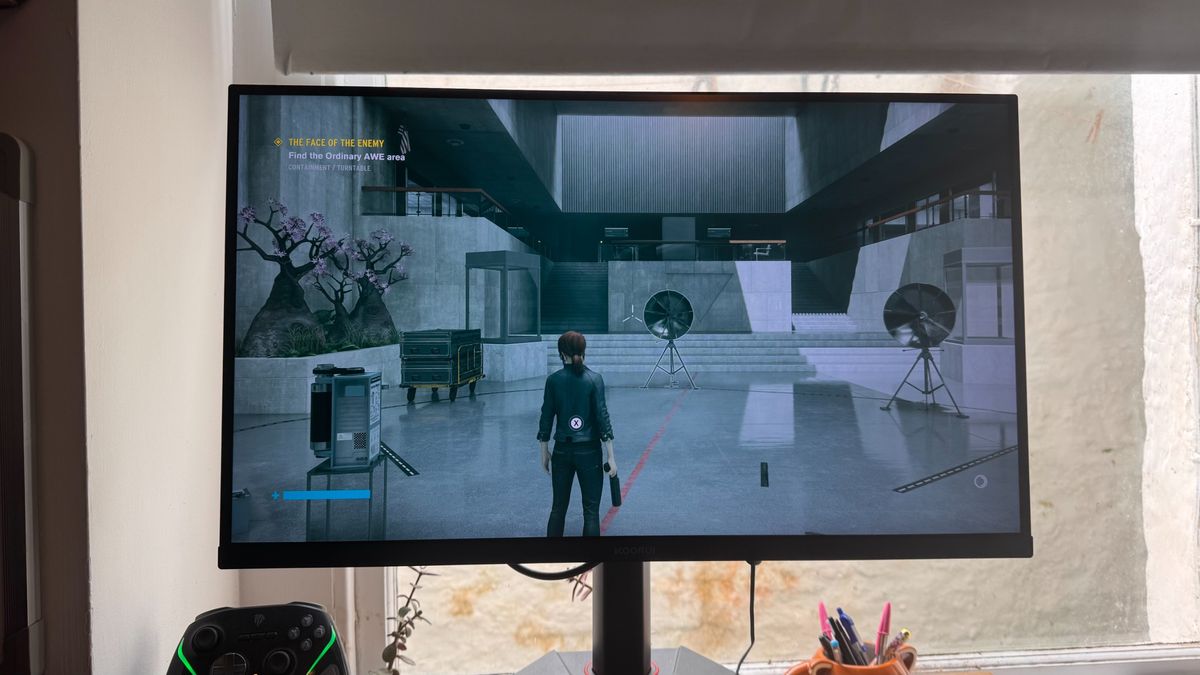
Control looks phenomenal in 4K, its angular brutalist architecture contrasting against all the blood and moody lighting. Even without true blacks, the G2741L does a great job at contrasting blacks, reds and blues, with little clarity getting lost in high-contrast scenes. The RTX 2070 can handle it at 4K, though with lower graphical settings. That's the beauty of dual-mode, though; you can bump up the textures, get a higher FPS, or just get a higher refresh rate quickly by cutting the resolution by a quarter.
Dual-mode is still, however, in somewhat of an infancy stage. I find the Koorui's 1080p performance to be just fine in the majority of games, but there's a slight fringing and softness to text on the desktop that isn't quite as present in native 1080p gaming monitors. If I were purely going for 1080p, I'd be picking a dedicated, much cheaper 1080p gaming monitor instead. It's not quite a 'best of both worlds' situation, but it's the best of 4K at its price and pretty good 1080p. Though that's not quite as catchy.
For gaming, the monitor feels plenty snappy to me, with it being decently responsive. Naturally, IPS panels are more limited than say OLEDs in terms of response time, but I wouldn't call it slow.
Dual-mode does take a few seconds to swap over, though, and you may have to exit your game and go back in, but Windows swaps resolution without any prompting. Generally, it's not a major inconvenience to swap to 1080p when I want high frame rates in Fortnite and then swap to 4K for lush sights in Cyberpunk 2077's Night City.
Aesthetics
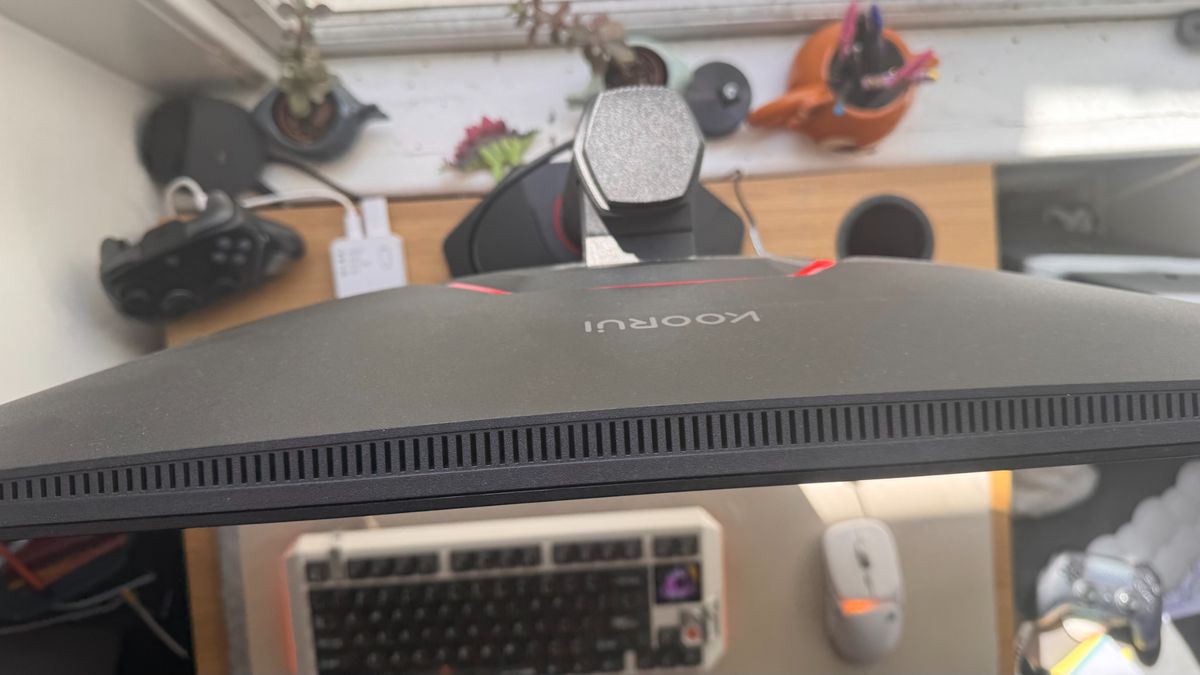
The bezels aren't super trim, but they don't distract from the gorgeous sights of 4K in between them, and the build quality is solid for the price too.
It does have a fairly wide panel and rather large base, which may make it struggle on smaller desks, but I'd wager smaller desks wouldn't be looking for 27 inches anyway. It has a VESA connector should you want to connect it to a monitor arm too.
Koorui does use a lot of plastic in the monitor, as you might expect from the price, but it doesn't feel flimsy, and it looks solid too.
Software
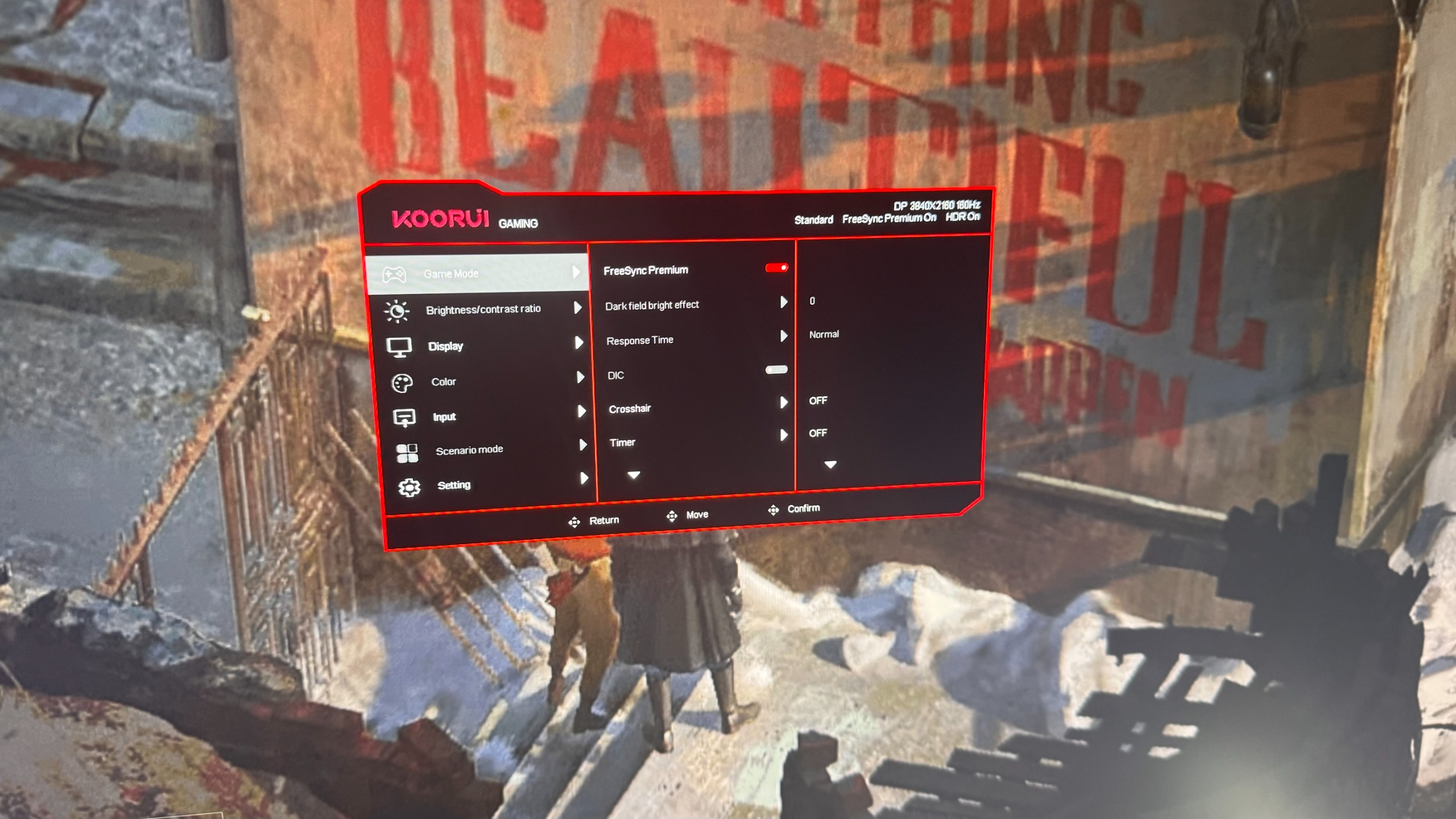
You are getting a whole pile of fairly superfluous options in the OSD, like a crosshair mode that, well, adds a crosshair in the middle of the screen. Personally, this seems niche at best and distracting at worst, so I'd never use it.
You also get a DCR mode that automatically adjusts brightness and contrast based on what's on your screen. This is neat in principle but, in practice, it feels like the monitor is constantly adjusting brightness and contrast, which is just a little annoying. You get all the settings you would otherwise expect here, like brightness, contrast, an HDR game/movie mode, plus other tweaks like the overdrive mode, but it's plenty snappy, bright, and vibrant in HDR game mode, which is where I'd leave it. I mostly just used the software dual-mode, as it's not particularly laggy or hard to navigate.
Value
Though the MSRP is $350, the G2741L regularly hangs around the $250 to $300 mark. I look after our roundup of the best cheap gaming monitor deals every week, and this price tag puts it at around the same place as the MSI MAG 275UPD, which offers similar specs but a lower refresh rate.It is around $100 more than the Acer Nitro VG270K L1, which is also a dual-mode 4K monitor, but the Acer panel offers a very limiting 72 Hz refresh rate in 4K. That's all to say that the G2741L is very competitively priced, hanging around the lowest-cost 4K panels right now.
If I were looking for a 4K monitor, this Koorui would no doubt be on my list. If I had exactly $250-$300, I can't think of anything I'd be picking over it.
But there's an elephant in the room here, and that's OLED. OLED gaming monitors have become such good value recently that budget 4K IPS panels are sitting around the budget OLED price point, and that opportunity cost is fierce. For instance, the gorgeous 1440p Alienware AW2726DM comes in at the same price point, and though its max refresh rate and resolution are lower, you are getting the true blacks of an OLED, plus super snappy response times too.
As is ever the case, the biggest problem with gaming monitors right now is that there are too many choices, but Koorui has successfully made that decision even harder.
A reasonably priced 4K offering that is well worth considering on a budget. But OLED is an elephant in the room at practically the same price, and dual-mode still isn't perfect yet.