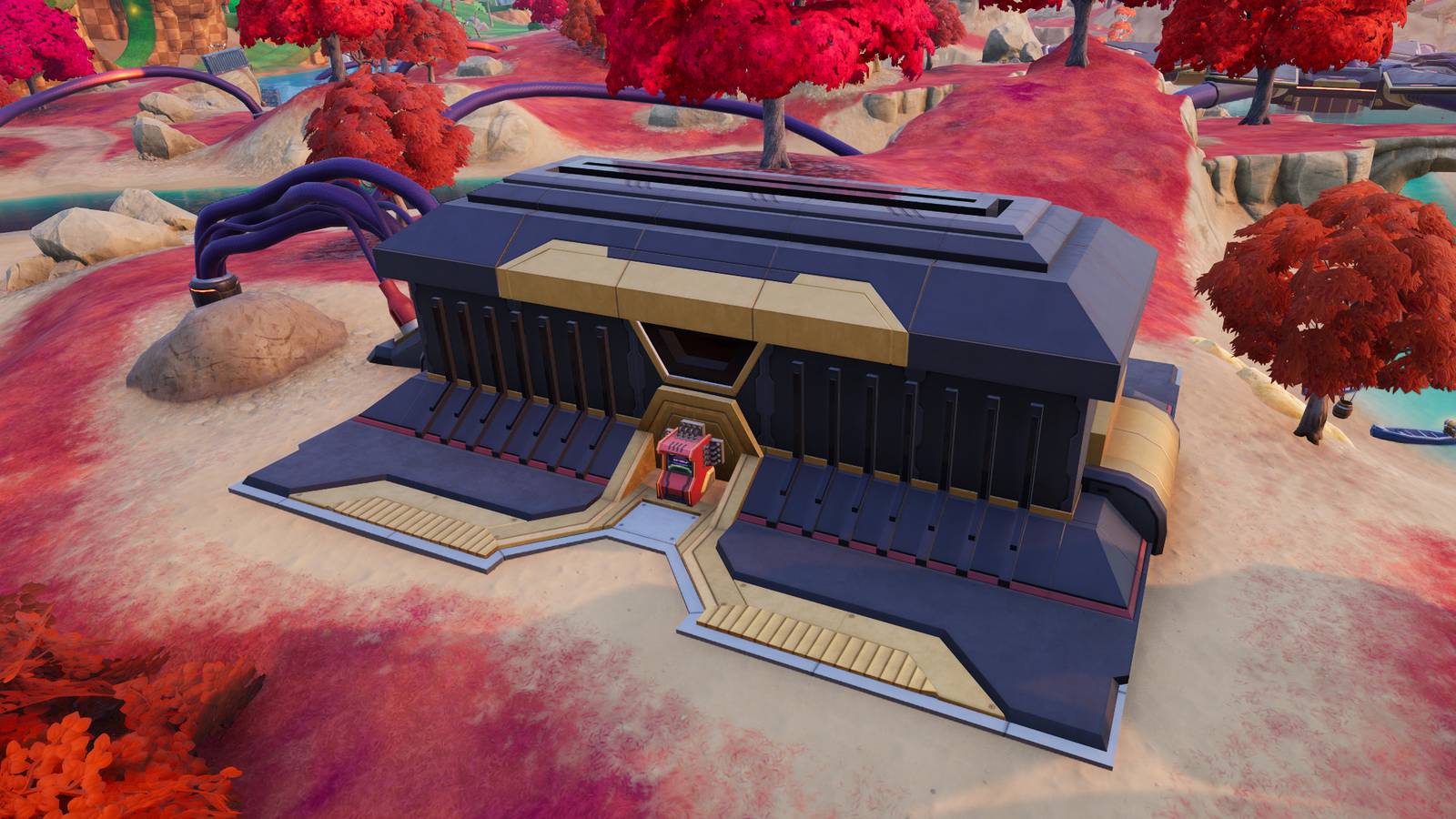
If you're the first person to interact with a console, you can choose between three match overrides, each of which will adjust the rules in your Fortnite game. These overrides can increase your sprint speed, give you more XP, make your pickaxes deal more damage, and much more. Some match overrides might also only affect your squad, rather than the entire lobby.
Below we've listed where you can find every override console in Fortnite
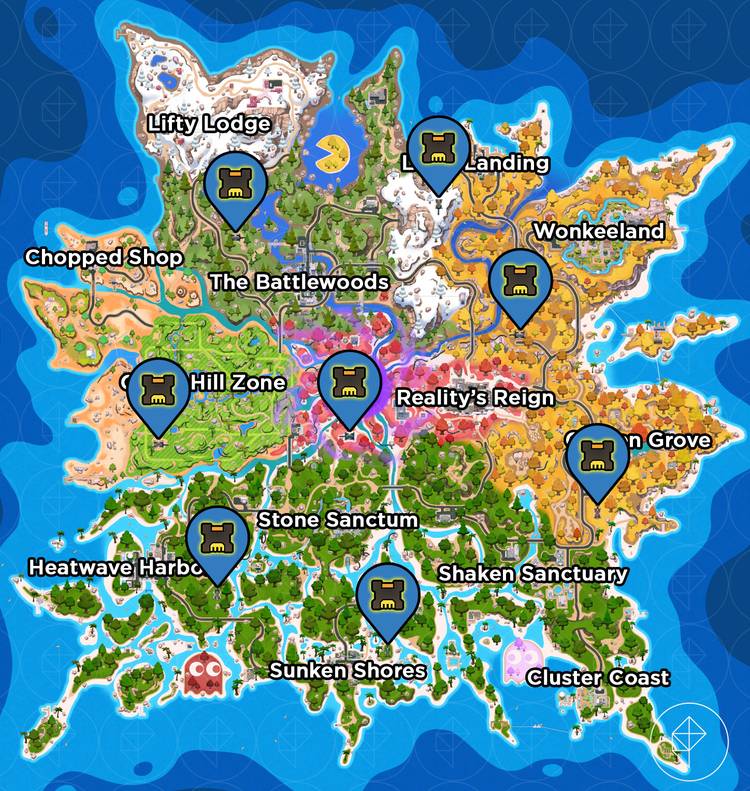 Graphic: Johnny Yu/Polygon | Source images: Epic Games via Polygon
If you'd like to interact with an override console, your best bet is to wait close to an override console and pray that it powers on. Otherwise, you can wait in between multiple consoles, but someone will most likely get there before you. Once an override console is available, an icon that looks like a game cartridge will appear on your screen and map. Book it over to the override console as fast as you can when it appears. If it has a green check mark in the bottom right corner, another player has already interacted with it.
In the immediate area around the override consoles, there are a few NPC enemies, but they can be easily dealt with.
All match overrides in Fortnite Chapter 7 Season 4
There are currently 16 match overrides that are available in Fortnite Chapter 7 Season 4, but when you interact with an override console, you can only choose between three options. Additionally, there will be some cases where a match override can be activated for only your squad, rather than the entire lobby. If you do choose a squad-only override, your squad's location will be broadcast on the map.Once a match override is chosen, a message will be broadcast to the entire lobby, indicating which power-up was chosen.
Below, you can find a list of all 16 match overrides and how they affect the game.